
Tone of voice
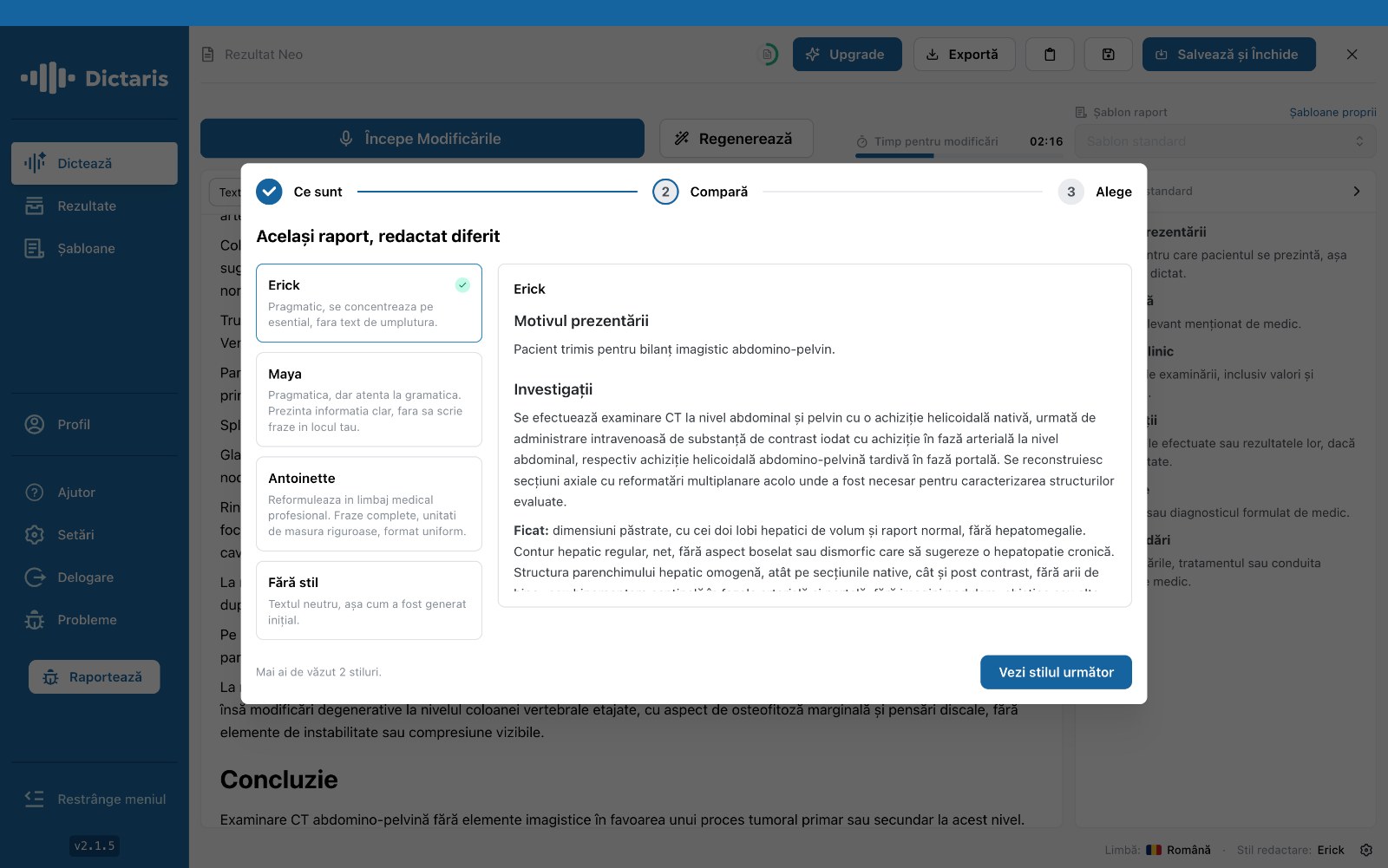
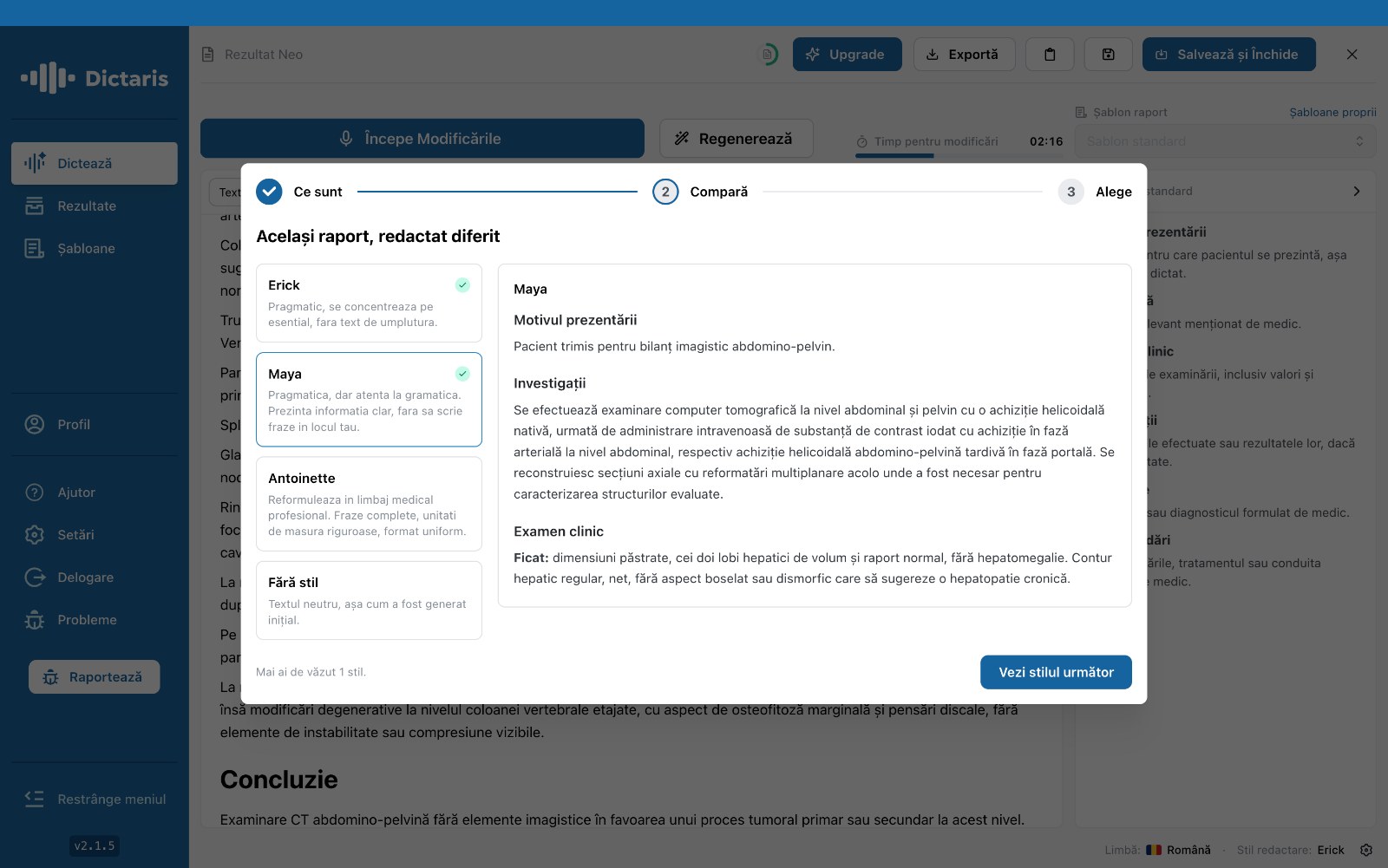
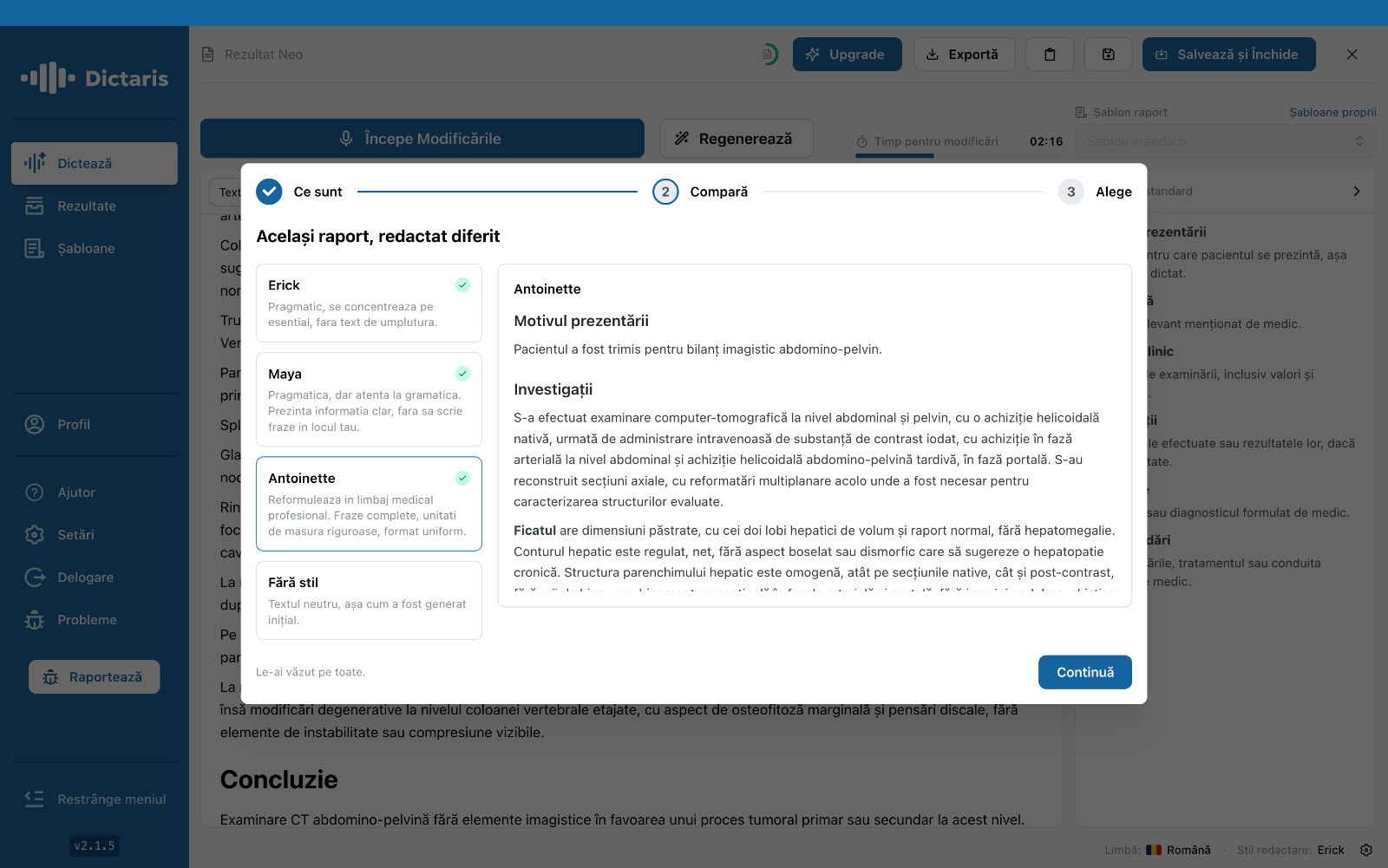
Short and to the point, or thorough and detailed: the tone of your reports is always your call.
You decide how your reports read: brisk and to the point for routine cases, or thorough and complete for the complex ones. Set a default style, or switch it up report by report.
- Default style
Set a standard tone once, and it's applied to every new report automatically.
- Per-report control
Switch styles on the fly, right from the app, for any specific case.
- Predefined styles
From a pragmatic tone with no filler text to a complete one in professional medical language.
- No style, but not without substance.
You can pick the neutral option: the text stays exactly as generated, with no rewording.
The difference really shows at high volume: a short, consistent style used for routine cases shaves time off every report, while the detailed style is still one switch away whenever a case calls for it, no app-switching required.
-JKzieU71.jpg)